Getting started
Longshot is built on your PC, from your own copy of the game, by the Longshot Launcher. It takes three steps. We do not host, store, or distribute game files, ROMs, game dumps, or decryption keys.
1. Check your PC
Your copy of the game must be the supported version, and your PC needs a Vulkan 1.3 graphics card with 4 GB of video memory (8 GB and mesh shaders recommended), 16 GB of memory and about 60 GB free while building. See what you need.
2. Download the launcher
The next version, to try before it is stable.
3. Build and play
Press Build on the launcher’s welcome screen.
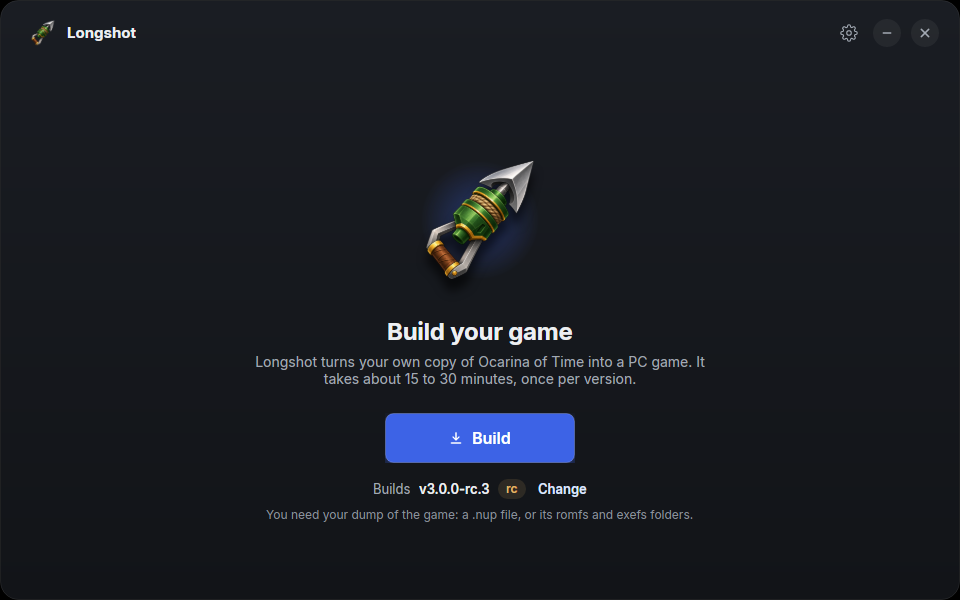
Longshot Launcher v1.0.0-rc.3 on Linux. The build version shown may change as new releases arrive.
On Game files, choose your game from the list. If it is not listed, use Browse…. Choose Next once the launcher has checked your selection.
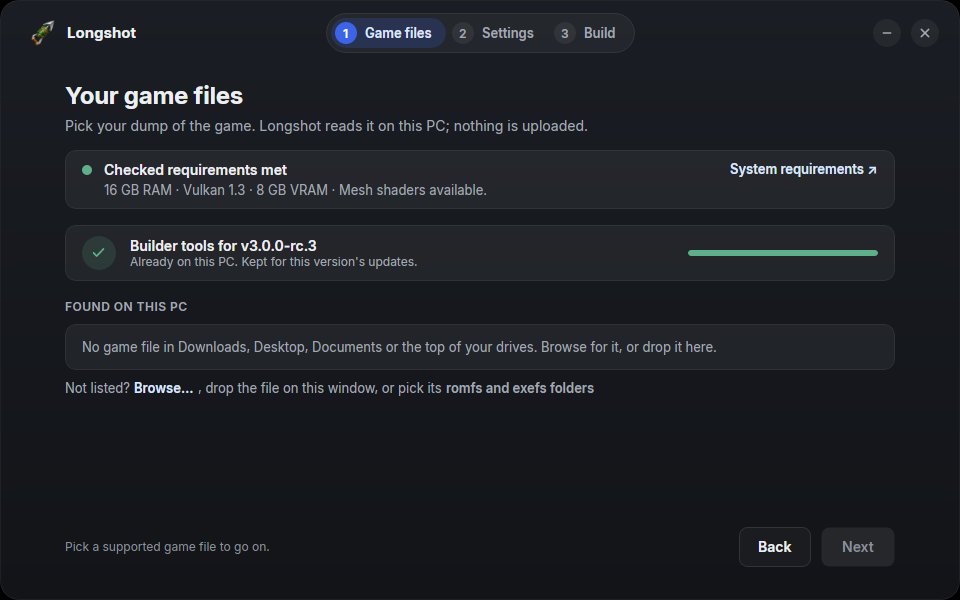
Follow the remaining launcher steps to build. Building takes about 15 minutes on a 12-core desktop, and longer on a slower PC. Then press Play. The first start prepares the game’s shaders, so it’s slower than the next ones.
See the in-game menu for settings and controls. If something goes wrong, start with Common problems and the README’s troubleshooting.